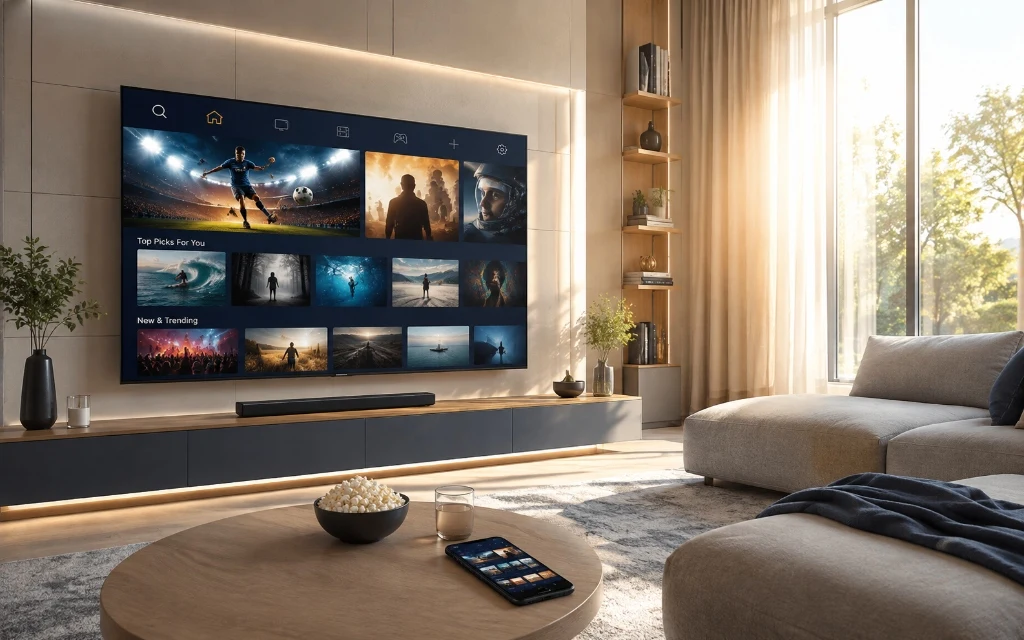
Finding the best IPTV UK service is not simply about choosing the provider with the biggest channel number or the lowest advertised price. A good IPTV service should offer a reliable viewing experience, support the devices you already use, provide clear subscription terms and make setup straightforward.
With so many IPTV providers in the UK, comparing the right features before subscribing can save you time and help you choose a service that actually suits your household.
ZynaroTV provides a UK-focused IPTV service designed for viewers who want access to live television and on-demand entertainment through compatible internet-connected devices. Whether you watch primarily on a Firestick, Smart TV, Android device, iPhone, iPad or another supported platform, this guide explains what to look for when choosing an IPTV subscription in the UK.
IPTV UK refers to television content delivered through an internet connection rather than traditional satellite, cable or terrestrial broadcasting. IPTV technology can be used to deliver different types of content, including live television, on-demand video, electronic programme guides (EPG), catch-up content where available, entertainment, news, sports and international programming.
Unlike traditional television services that may require dedicated satellite or cable infrastructure, IPTV uses your broadband connection and a compatible application or device. The quality of your experience depends on factors including your internet connection, device, IPTV player, network conditions and the service itself.
How Does IPTV Work?
The basic process is straightforward. You choose a suitable service, subscribe to a plan, receive the account or playlist information supplied by the provider, install a compatible IPTV player, enter your subscription details and then browse the available live TV or VOD content.
The exact setup varies between devices, which is why ZynaroTV provides a dedicated IPTV setup guide UK alongside device-specific tutorials.
How to Choose the Best IPTV UK Service
Not every IPTV service is the same. Instead of choosing a provider based only on its advertised channel count, consider device compatibility, streaming quality, EPG support, subscription flexibility, support, trial availability and clear terms.
1. Device Compatibility
The best IPTV provider for one household may not be the best option for another. Before subscribing, check whether the service works with your preferred device.
Amazon Fire TV and Firestick
Samsung Smart TVs
LG Smart TVs
Android TV and Google TV
Android smartphones and tablets
iPhone and iPad
Windows and Mac computers
Compatible IPTV boxes
If you need installation help, use the IPTV setup guide UK and the device-specific guides linked below.
2. Streaming Quality
Picture quality matters, particularly if you watch live sports or use a large 4K television. Depending on the available source and your device, IPTV services may offer HD, Full HD and 4K streams.
Seeing '4K' in a service description does not guarantee that every channel or programme is available in native 4K. Your television, streaming device, internet connection and the actual source stream all need to support the desired resolution.
3. Electronic Programme Guide (EPG)
An EPG, or Electronic Programme Guide, makes browsing live television easier by showing current programmes, upcoming programmes, channel names and schedules. If you regularly watch live TV, EPG support is an important feature to check before choosing an IPTV subscription UK.
4. Subscription Flexibility
Look carefully at the actual subscription terms. Check the subscription duration, total price, renewal terms, permitted connections, trial availability, refund conditions, supported devices and customer support.
You can compare the current ZynaroTV options on the IPTV pricing UK page.
ZynaroTV IPTV Features
ZynaroTV offers features that UK IPTV viewers commonly consider when comparing services, including live TV and on-demand options, supported HD/4K playback, EPG functionality, device compatibility, customer support and a trial option. Availability can vary according to the subscription, compatible devices and available content.
Live TV and On-Demand Entertainment
A modern IPTV service can combine live television with on-demand viewing, giving users more flexibility over what they watch and when they watch it. Depending on the content available with your subscription, you may be able to browse live channels and VoD categories from a compatible IPTV player.
If you want to check available UK programming, browse the UK IPTV channels list before choosing a plan.
4K Streaming
ZynaroTV promotes 4K streaming on compatible content and devices. For 4K playback, your television, streaming device, IPTV player and internet connection must all be capable of handling the required resolution.
If a particular source is not available in 4K, changing the output resolution on the television does not create genuine native 4K content. This distinction is useful when comparing premium IPTV services.
Device Setup Guides
IPTV UK on Firestick
Amazon Fire TV and Firestick devices are popular choices for home streaming. Their compact design and application support make them convenient for compatible IPTV services.
The general process is to prepare the device, install a supported IPTV player, open the application, enter the subscription details supplied by the provider and configure the available guide or playlists.
You do not necessarily need an additional streaming box to use IPTV. Depending on the television model and operating system, compatible IPTV applications may be available for Samsung, LG, Android TV and Google TV.
The installation process differs between platforms, so a device-specific guide is more useful than giving every television the same steps.
Mobile IPTV can be useful when you want to watch compatible content away from your main television. Depending on the service and supported application, IPTV may be available on iPhone, iPad, Android smartphones and Android tablets.
For live streaming, a stable Wi-Fi or mobile-data connection is preferable to an unstable network with frequent drops.
An IPTV subscription and an IPTV player are not necessarily the same thing. The provider supplies the service or subscription details, while a compatible IPTV player is the application used to display the available content.
Depending on the player, useful features can include EPG, favourites, categories, multiple playlists, catch-up support, parental controls and playback settings.
If TiviMate is supported for your device and subscription, use the TiviMate IPTV guide for configuration help.
What Internet Speed Do You Need for IPTV?
Internet speed is an important part of a good IPTV experience. The exact requirement varies according to resolution, device, network conditions and the number of people using the connection at the same time.
Streaming Quality
Suggested Stable Speed
SD
5 Mbps+
HD
10 Mbps+
Full HD
15–25 Mbps+
4K
25–50 Mbps+
These are practical guidelines rather than guarantees. A household simultaneously using video calls, gaming, other streaming platforms and IPTV may need considerably more total bandwidth.
Wi-Fi vs Ethernet
If buffering occurs regularly, test the device with Ethernet where possible. A wired connection can be more consistent than weak or congested Wi-Fi, particularly when the router is far from the television.
Why Does IPTV Buffer?
IPTV buffering does not always mean the IPTV provider is responsible. Possible causes include weak Wi-Fi, network congestion, insufficient bandwidth, device limitations, application problems or provider-side issues.
Restart your router and streaming device.
Check whether other devices are consuming significant bandwidth.
Test Ethernet if available.
Close unnecessary background applications.
Update the IPTV player.
Clear application cache where the platform supports it.
Test another compatible device.
Contact the provider if the problem persists across different networks and devices.
IPTV vs Traditional TV in the UK
One reason consumers search for IPTV UK is flexibility. Traditional television services can involve satellite installation, dedicated equipment, cable infrastructure or longer contracts, while IPTV uses an internet connection and compatible hardware.
Traditional providers can still have advantages, including dedicated hardware, established support and clearly defined licensed packages. The right option depends on budget, viewing habits, equipment and the type of service you prefer.
How Much Does IPTV Subscription Cost in the UK?
The price of an IPTV subscription UK can vary according to duration, permitted connections, features, content availability, trial options and support. Compare the total subscription cost and terms rather than focusing only on a monthly equivalent.
IPTV is a technology for delivering television and video over an internet connection. The legality of a particular service depends on the content it distributes and whether it has the necessary rights or licences. Consumers should choose services that are authorised to provide the content they access and should avoid accessing copyrighted material without permission.
What Makes a Good IPTV Provider?
The phrase best IPTV provider UK can mean different things to different viewers. A better evaluation looks at several factors together.
Clear pricing
Transparent subscription terms
Compatible devices
Useful setup information
Reliable streaming infrastructure
EPG support where available
Responsive customer support
Clear refund policies
Accurate content information
Secure payment options
Do not judge an IPTV provider solely by the number of channels advertised. Compatibility, transparency, support and the quality of the overall user experience matter too.
Why Choose ZynaroTV?
ZynaroTV is positioned for viewers looking for a straightforward UK IPTV service with flexible access across compatible devices.
UK-focused setup and support resources
Guides for Firestick, Smart TV, TiviMate and mobile devices
A trial option, subject to the current terms and availability
Flexible subscription options
Customer support for setup and account-related questions
If you want to test the service before choosing a longer plan, visit the IPTV free trial UK page for the latest terms and availability.
How to Get Started With ZynaroTV
Step 1: Choose Your Plan
Review the available ZynaroTV subscription options and choose the plan that fits your needs. See the IPTV pricing UK page for current plans.
Step 2: Check Your Device
Make sure your television, Firestick, phone, tablet or other device is compatible with the supported player.
Enter the subscription information supplied by ZynaroTV into the supported application and configure the available guide or playlist features.
Step 5: Start Watching
Once your compatible player has loaded the available content, you can browse the live TV and VOD features included with your subscription.
Best IPTV UK: What Should You Look For?
Feature
Why It Matters
Device compatibility
Ensures the service works with your equipment
Streaming quality
Important for HD and 4K viewing
EPG
Makes live TV easier to browse
Subscription terms
Helps avoid unexpected commitments
Trial
Lets you test compatibility before a longer plan
Support
Useful for installation and troubleshooting
Pricing
Lets you compare overall value
Content transparency
Helps you choose a legitimate provider
Setup guides
Makes installation easier
Refund policy
Clarifies the applicable terms if the service is unsuitable
ZynaroTV IPTV FAQs
IPTV UK is television content delivered over an internet connection instead of traditional satellite, cable or terrestrial broadcasting.
IPTV uses your internet connection to deliver compatible live TV and on-demand content through an IPTV application or supported device.
IPTV technology is a method of delivering television and video over the internet. The important question is whether a provider has the necessary rights or licences for the content it distributes.
A stable connection of around 10 Mbps can be suitable for HD, while 4K streaming generally benefits from 25–50 Mbps or more, depending on network conditions and other household usage.
Compatible IPTV services can be used on supported Fire TV/Firestick devices through compatible applications.
Yes, depending on the television's operating system and the IPTV application supported by the service.
An Electronic Programme Guide (EPG) displays programme schedules and channel information inside a compatible IPTV player.
Buffering can result from weak Wi-Fi, network congestion, device limitations, application issues or provider-side problems.
This depends on the provider's subscription and connection policy. Check the specific ZynaroTV plan for the permitted connections.
Live TV is streamed according to a channel's schedule, while VOD allows you to select available content and watch it on demand.
ZynaroTV may offer a trial option subject to the current terms and availability. Check the trial page for the latest information before purchasing.
Choose your plan, check device compatibility, install a supported IPTV player and follow the relevant ZynaroTV setup guide.
If you're comparing IPTV UK services, start by checking your device compatibility, subscription requirements and the features that matter most to your household.
You can review the current IPTV pricing UK options or check the available trial before choosing a longer subscription.